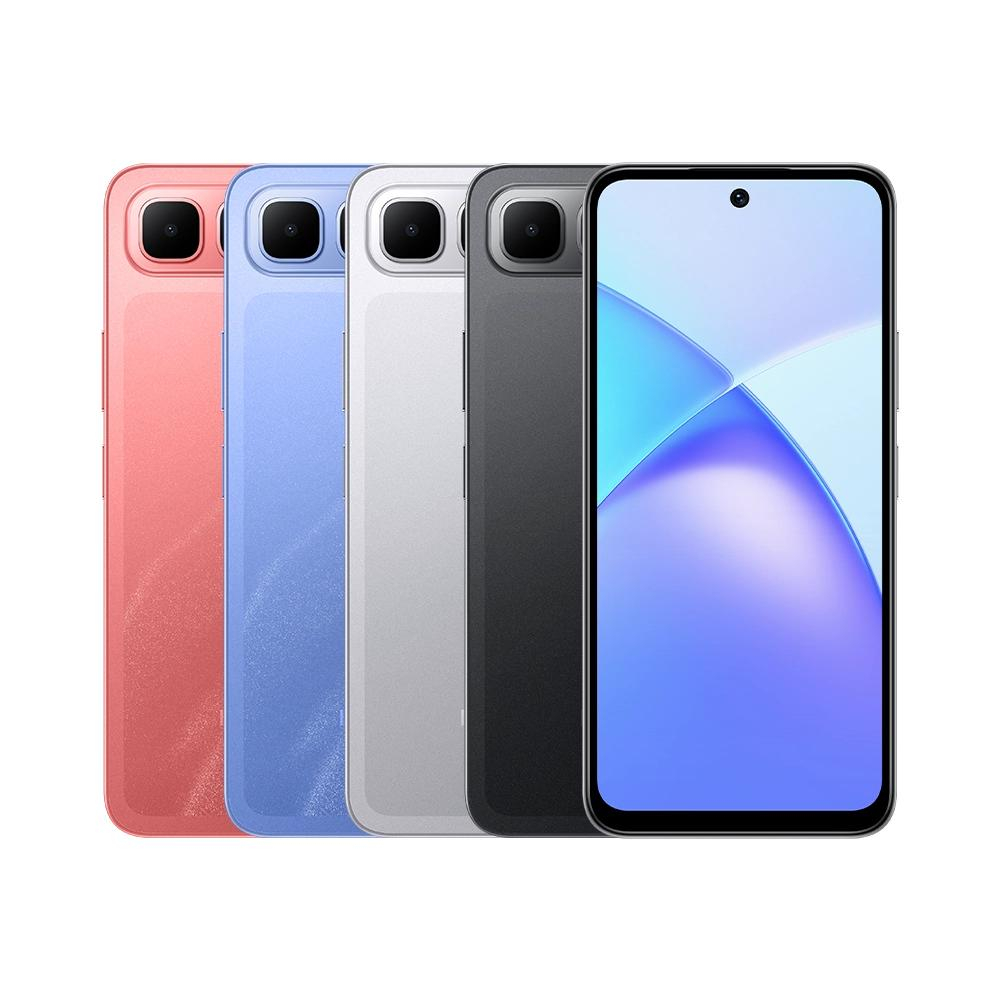
Download Infinix Smart 10 Plus X6725B Stock ROM firmware 15.1.0.125SP08 (OP001PF001AZ), Android 15, for bootloop repair and system recovery.
| Encontro | 2026-10-21 15:42:04 |
| Tamanho | 5.32 GB |
| Visitas | 23 |
Download the stock firmware package for the Infinix Smart 10 Plus X6725B, build 15.1.0.125SP08 (OP001PF001AZ), available through NelplacaTeCfiles.com.
This Android 15 firmware is intended for compatible software maintenance, operating system recovery and stock ROM reinstallation.
Brand: Infinix
Device Name: Infinix Smart 10 Plus
Model Number: X6725B
Firmware Version: 15.1.0.125SP08
Software Variant: OP001PF001AZ
Operating System: Android 15
User Interface: XOS 15.1
Processor: Unisoc T7250 (SPD)
File Format: RAR Archive
Compressed File Size: 5.32 GB
Firmware Provider: NelplacaTeCfiles.com
The Infinix Smart 10 Plus X6725B stock firmware can assist technicians with the following software operations:
Stock ROM Installation: Reinstall the original Android operating system on compatible devices.
Bootloop Repair: Attempt to recover devices stuck on the startup logo or repeatedly restarting.
Software Corruption Recovery: Restore damaged or missing operating system components.
System Restoration: Reinstall firmware following unsuccessful software modifications or updates.
Software Troubleshooting: Address certain software-related crashes, freezes and startup problems.
Successful recovery depends on the device's condition, firmware compatibility and the servicing procedure.
Before installing the firmware, prepare the following:
A compatible Infinix Smart 10 Plus X6725B smartphone.
A Windows computer or laptop.
Compatible Unisoc / SPD USB drivers.
An authorised flashing tool supporting the included firmware format.
A reliable USB data cable.
Sufficient battery charge.
A backup of important data whenever possible.
Download the firmware package from NelplacaTeCfiles.com.
Extract the RAR archive using compatible extraction software.
Identify and verify the included firmware files.
Install the necessary Unisoc USB drivers on your computer.
Open a compatible flashing tool and load the appropriate firmware package.
Follow the tool's device-specific connection and flashing instructions.
Allow the process to finish before disconnecting the smartphone.
Restart the device and verify successful system recovery.
Note: The flashing procedure depends on the actual files included in the archive. Do not assume that every firmware package uses the same flashing format or installation method.
This firmware package is identified as:
X6725B-15.1.0.125SP08 (OP001PF001AZ)
Verify the exact model, firmware version and software variant before installation.
Do not flash this package on other Infinix Smart 10 variants, including X6725 or X6725C, without independently establishing compatibility.
Firmware installation may result in data loss, software malfunction or permanent device damage if performed incorrectly.
NelplacaTeCfiles.com is not responsible for problems caused by incompatible firmware, improper flashing procedures or misuse of software servicing tools.
Only perform authorised repairs on devices you own or have permission to service.
Firmware Provided by NelplacaTeCfiles.com
Professional Firmware Downloads & Mobile Software Solutions.

